The procedure for checking that a website is secure
It is important to browse on a secure website when you go online, so that your personal data is not used by malicious platforms.
Every website owner should take responsibility for ensuring the safety of their visitors. Unfortunately, some platforms are simply not safe. An unsafe website can spread malware, steal your information, send spam, and so on.
Below you will find a few quick tips that will let you know whether a site is secure (see also our article on SSL migration).
Website migration: checking whether a site is secure
To protect your personal information, it is important to know that a website takes your security seriously, but how can you tell?Check whether the site uses secure encryption (HTTPS)
When you look at a website, the URL (web address) starts with either http:// or https://. http:// means that the site uses the hypertext transfer protocol. The HTTP protocol is the basis for transmitting information on the internet, and almost every website uses it. However, this protocol has no built-in security to protect you while you use the web. This is where HTTPS comes in.What does HTTPS do?
When you buy online and pay by card on the internet, whether you do business on a banking site or visit a site that asks for financial or sensitive information, the URL must start with https:// and the browser must not display any "Not secure" warning. HTTPS stands for HTTP Secure. This means that all communications between your browser and the website in question are encrypted and secured, thanks to an SSL security certificate (the s stands for secure). SSL certificates secure all your data as it is transmitted from your browser to the website's server. To obtain an SSL certificate, the company has to go through a validation process. There are, however, several levels of validation, some of which are easier to pass than others. The lowest level of validation, domain validation (DV), simply accepts ownership of the domain and not the legitimacy of the organisation requesting the certificate. In other words, if you bought the domain "arnazon.com" and requested a certificate for it, you would get the certificate because you own the domain. The highest level of validation, extended validation (EV), is the safest and most thorough. With extended validation, the company requesting the certificate must prove its identity as well as its legitimacy as a business. Browsers have no longer shown it in the address bar since 2019: to find out whether a site has an EV certificate, click the icon to the left of the address and view the certificate details. To help you further in recognising a secure site, follow these few additional tips.Look at the domain
Cyber attackers sometimes create websites that imitate existing sites and try to trick people into buying something on their phishing site or logging in to it. These sites often look exactly like the existing website. Let us take the same example as before: a cyber attacker buys the domain "arnazon.com" and builds there a website that looks exactly like the amazon.com site. He buys a DV certificate for his website and tries to trick users (using phishing emails or other methods) into buying items or logging in to their accounts on the imitation phishing site. To avoid this kind of attack, always look at the domain of the site you are on. If you receive an email from your bank or another online seller asking you to make any payment or provide your card numbers, do not click on the link in the email. It may well be a scam. Type the domain into your browser to make sure you are connecting to the website you intend to visit, without entering your personal information.Look for signs that the company is real
There are a few signs you can look for to help you know whether a company is real or not.- Physical address and phone number
- Return policy
- Prices too low to be believable
- Privacy statement
Other topics around website security
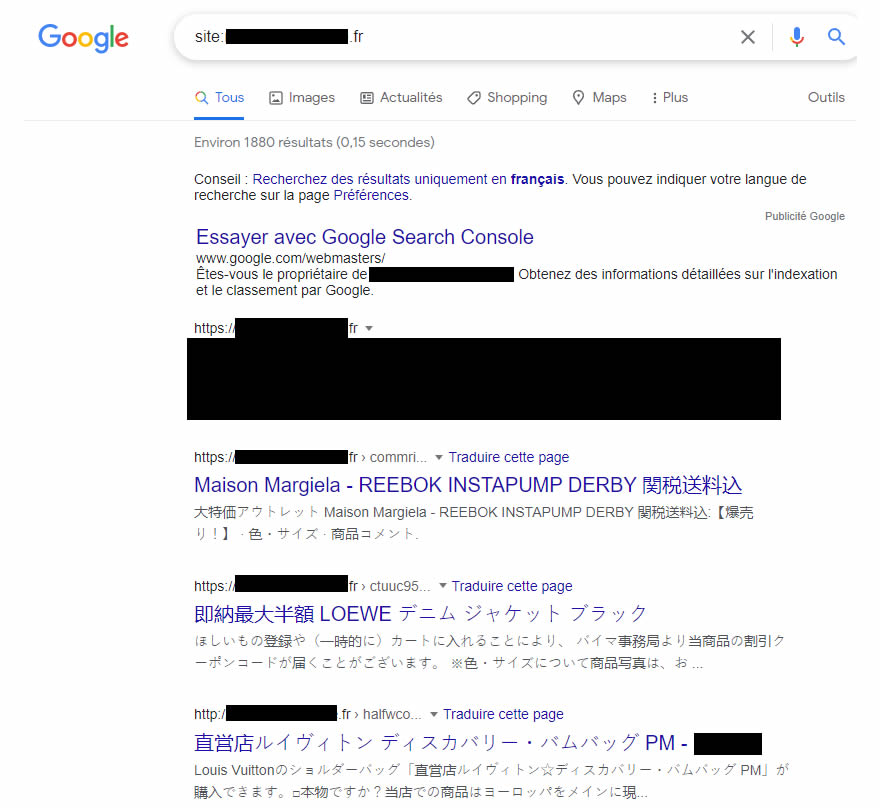
If your own site has been hacked, see how to deindex hacked URLs.